Step 1
Say where it is
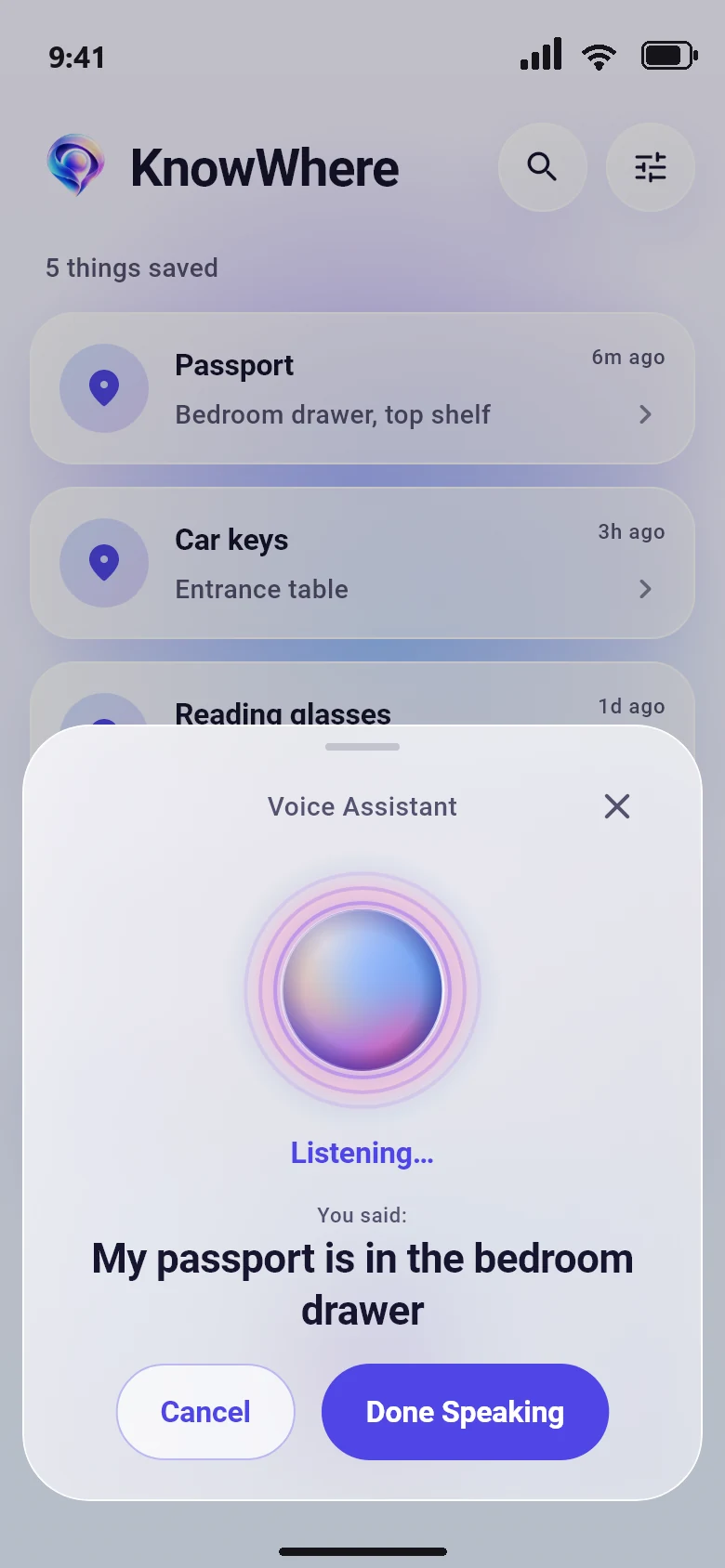
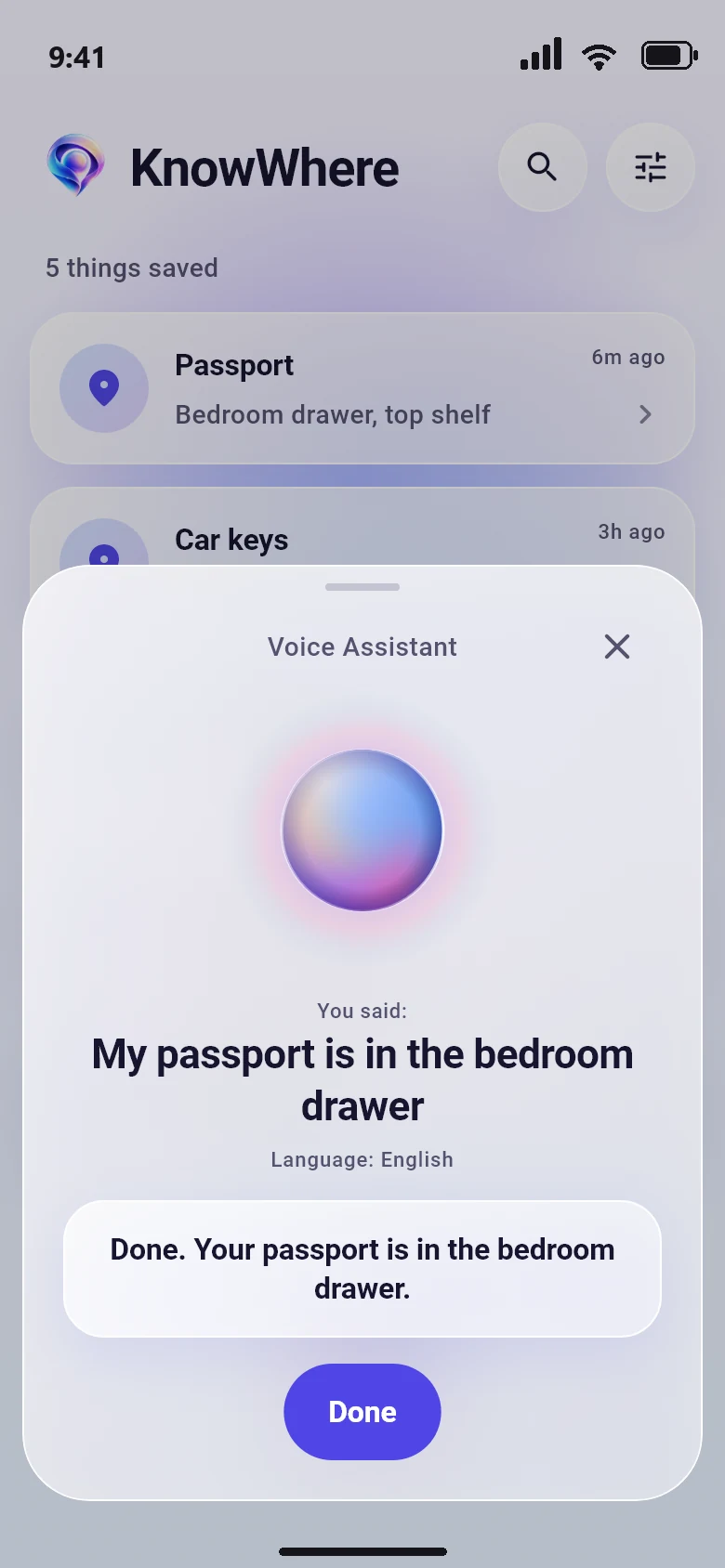
Tell it in one sentence: "My passport is in the bedroom drawer." Speak English, Hindi or Urdu, or mix them.
KnowWhere is a private voice assistant for anyone who keeps losing keys, passports and chargers. Say where something is in English, Hindi or Urdu, and ask when you forget.
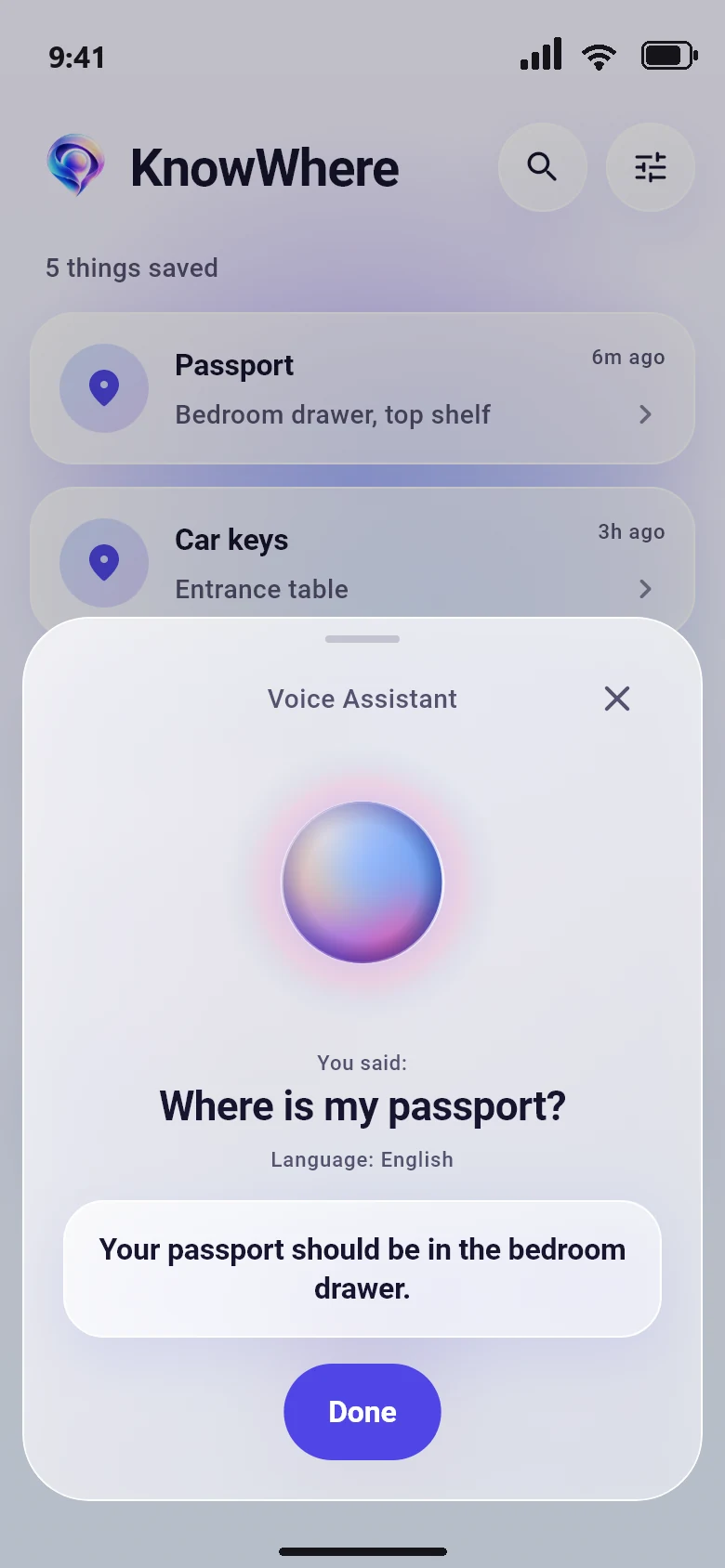
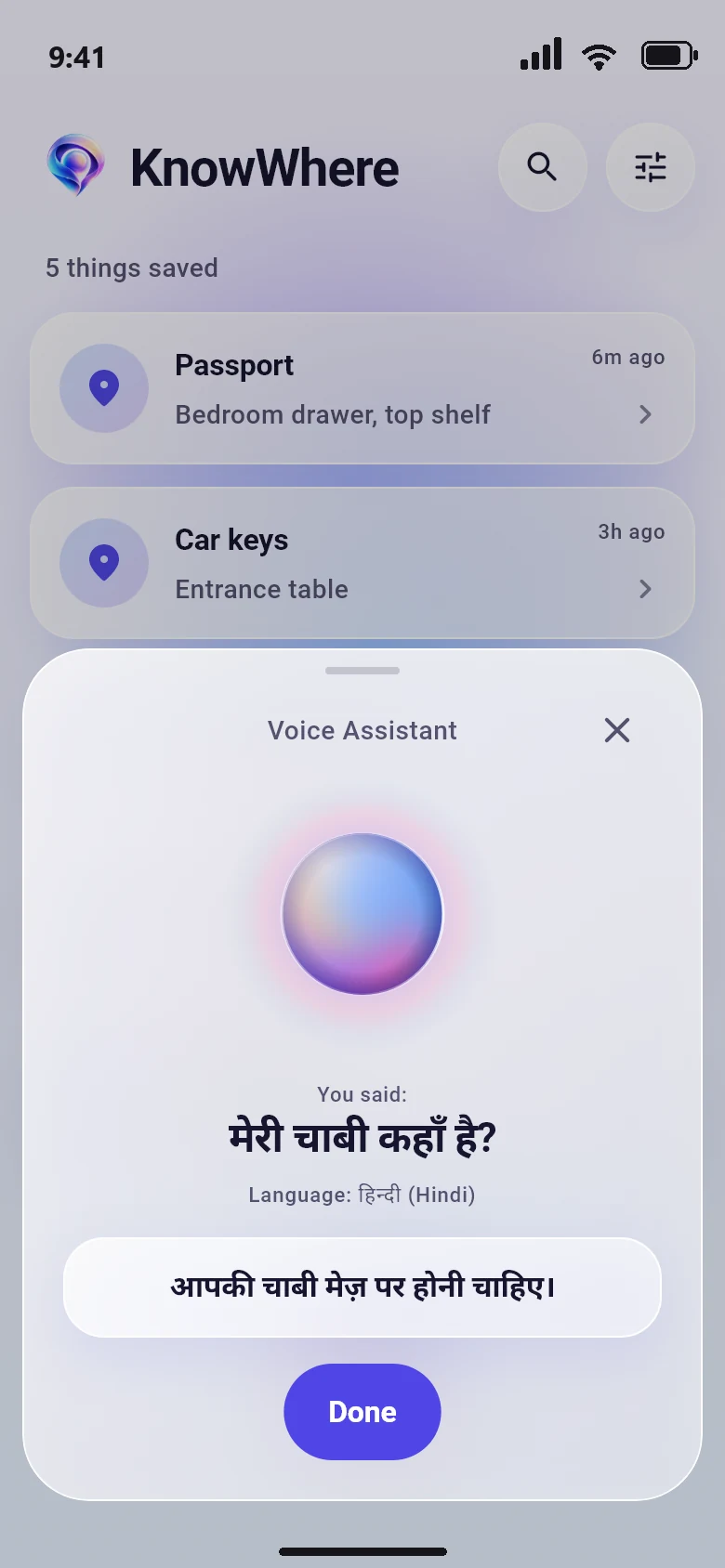
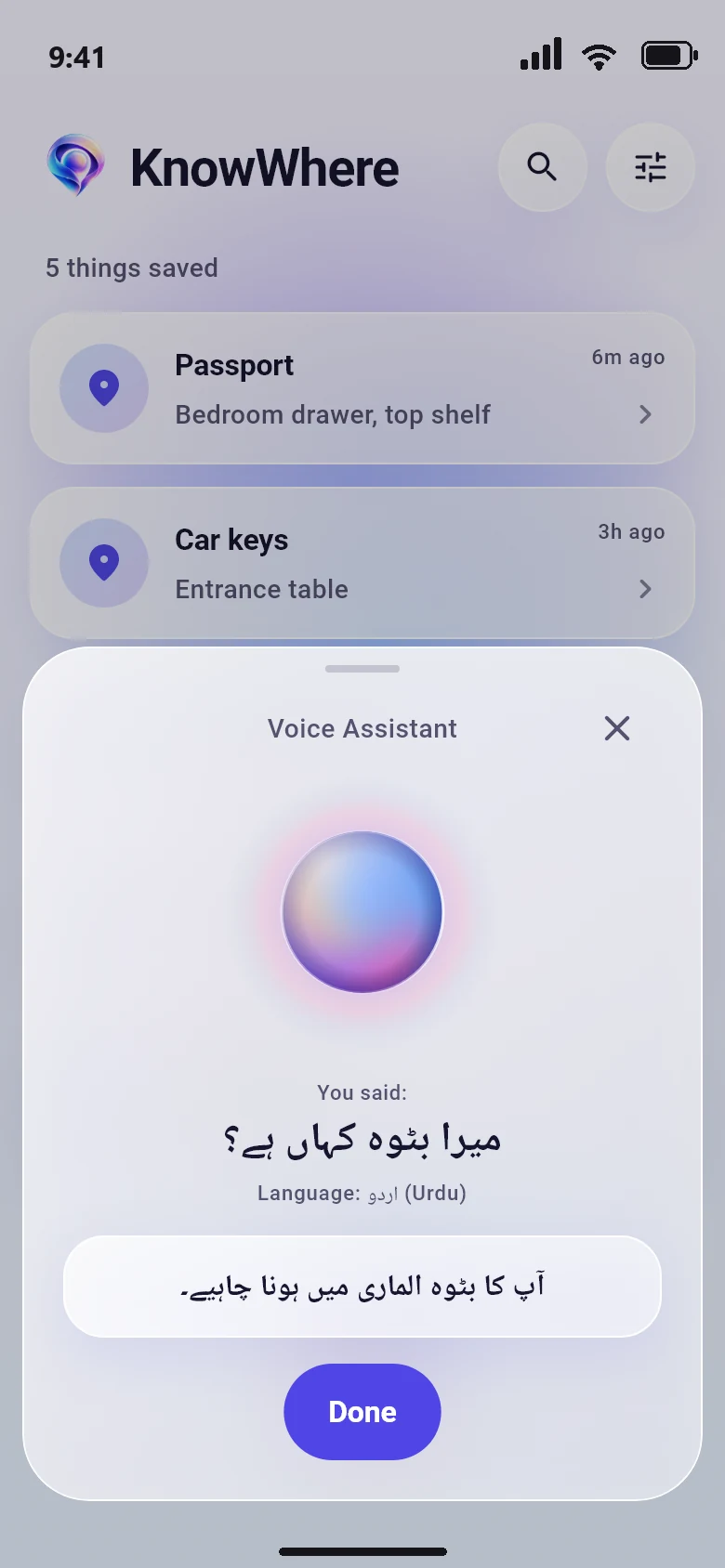
You put it somewhere safe. Then you forgot where safe was.
No forms, no folders, no typing. You already know how to do this: you talk.
Tell it in one sentence: "My passport is in the bedroom drawer." Speak English, Hindi or Urdu, or mix them.
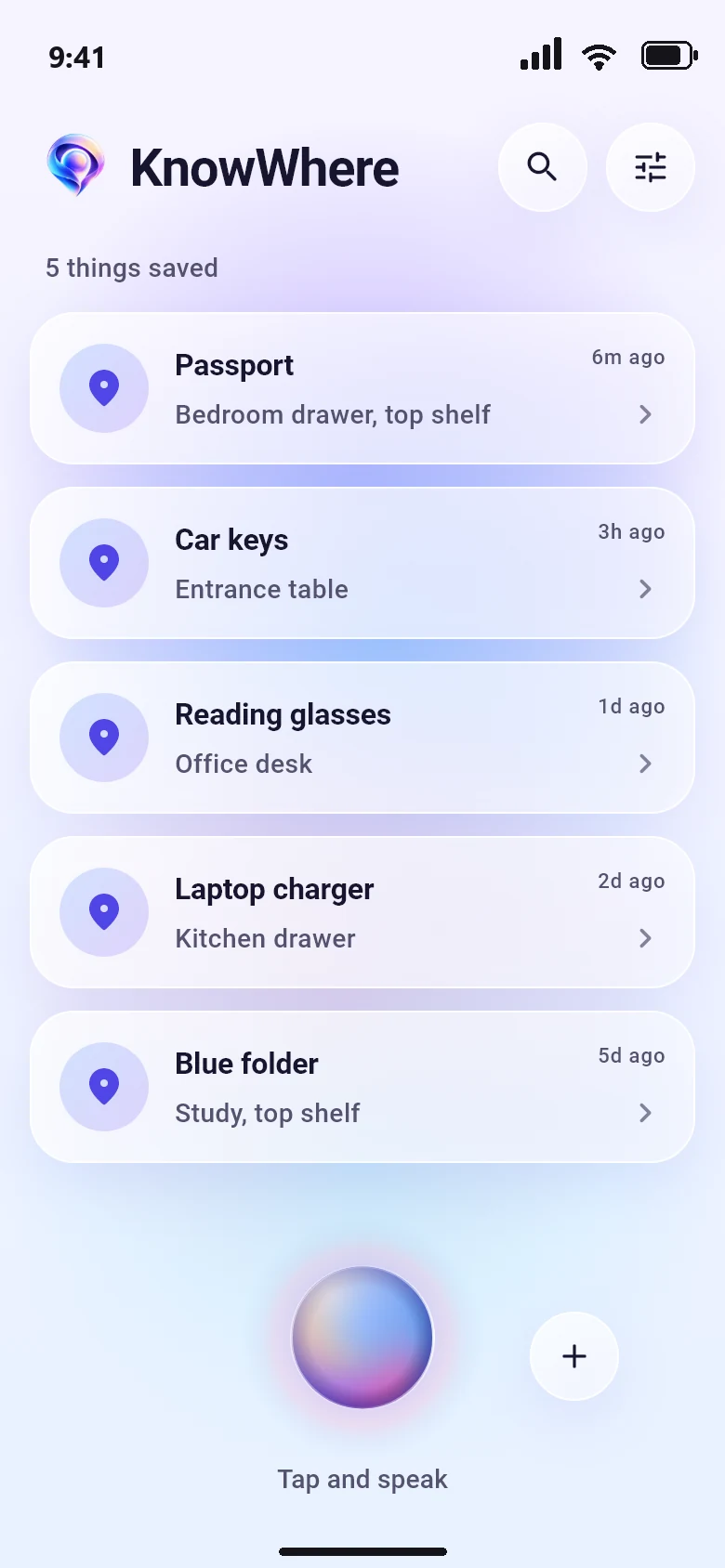
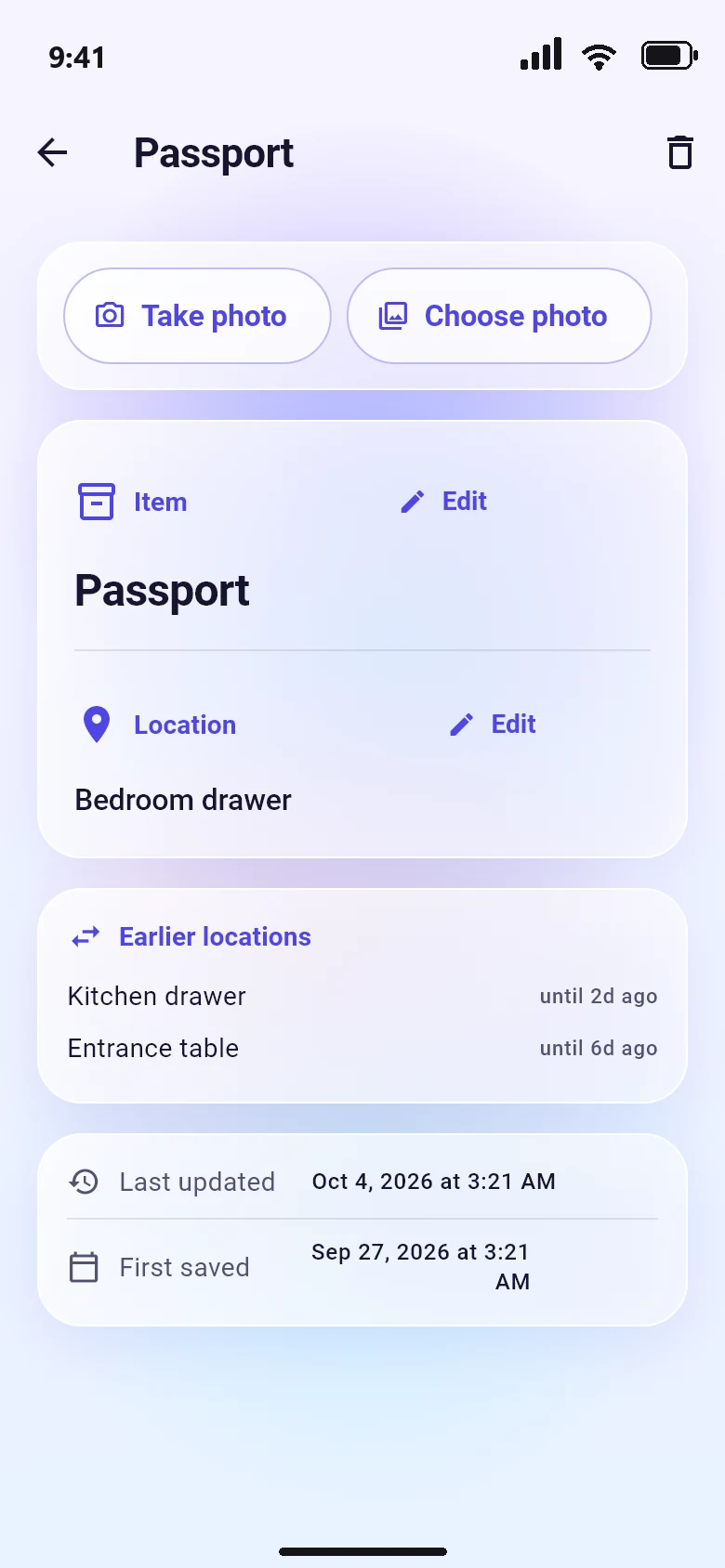
The item and the place are saved on your phone with the date, and it keeps every earlier place of that item.
Say "Where is my passport?" and hear a short answer in one voice. If the note is old, it tells you so.
Everything it does serves that one job, and nothing else gets in the way.
English, Hindi and Urdu, even mixed in one sentence. You never have to translate in your head.
It starts listening the moment you ask, and answers almost as soon as you stop talking.
Moved something? KnowWhere keeps the earlier places, so you can follow the trail.
The same calm voice in every language, so an answer never sounds like a different app.
No account and no sign up. Your items and places are stored encrypted on your phone, and your photos never leave it.
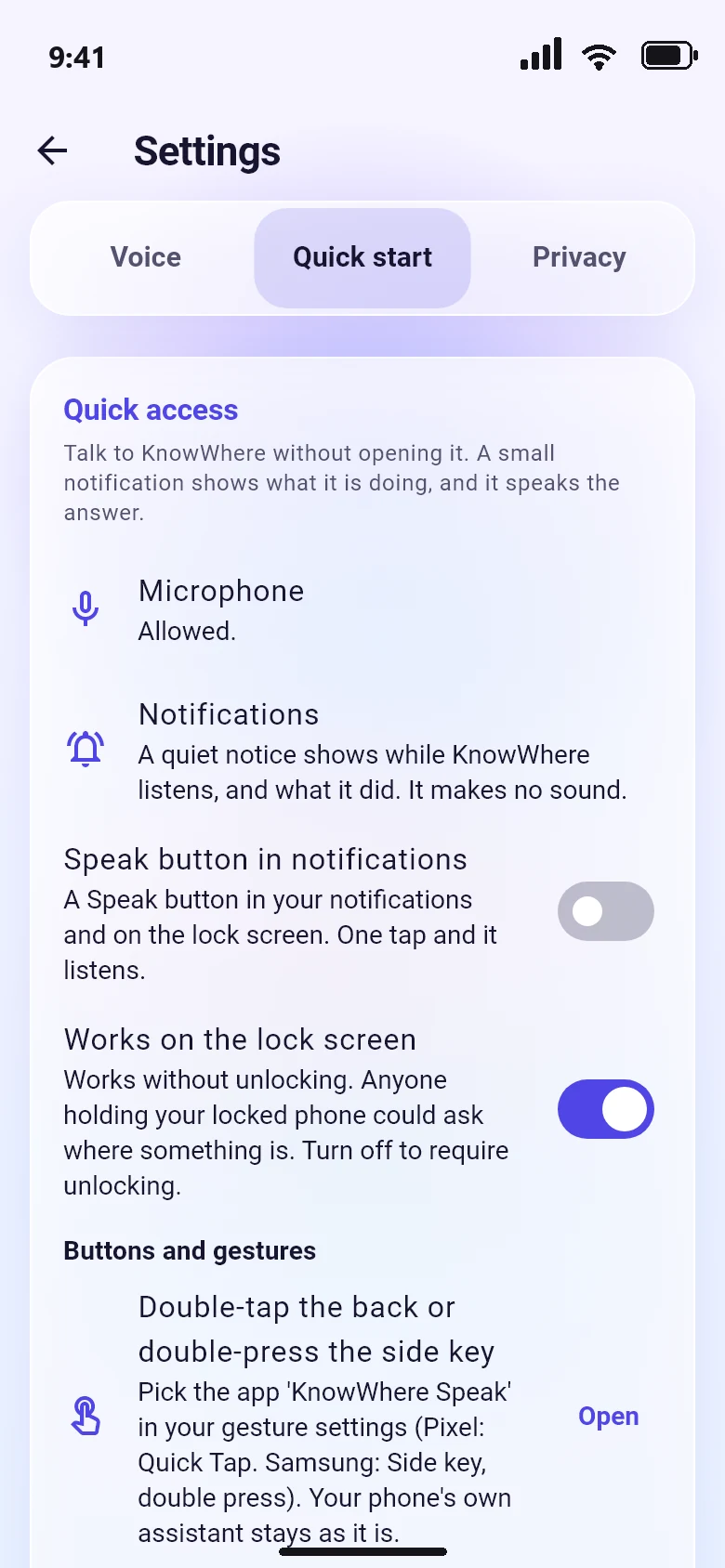
Your hands are full and your phone is locked. KnowWhere is one tap away, and nothing takes over your screen.
To understand Hindi and Urdu well, a request goes to Google's Gemini service. Here is what goes where.
You can turn off personal replies to keep every place on your phone. Read the full privacy policy.
Still unsure? Write to support@aatox.com.
Android first. An iPhone version will come later.
No. There is nothing to sign up for. Your items and places live on your phone.
English, Hindi and Urdu, including a mix of them in one sentence. Items and places are saved in English letters so your list stays consistent.
No. It listens only for the one request you start, with the mic button, the notification button, the widget or the Quick Settings tile.
Joining the early access list is free. Pricing is not final, and early access members hear about it first.
Only you. They are stored encrypted on your phone. When you ask about an item, its place can be sent to Google Gemini so it can answer you. Turn off personal replies in Settings to avoid that.
KnowWhere falls back to your phone's own speech recognition and voice. That works, but it is less accurate for Hindi and Urdu.
Open Settings, then Privacy, then Delete all. Uninstalling the app also removes its data.
Leave your email and we will tell you the day it is ready for Android.