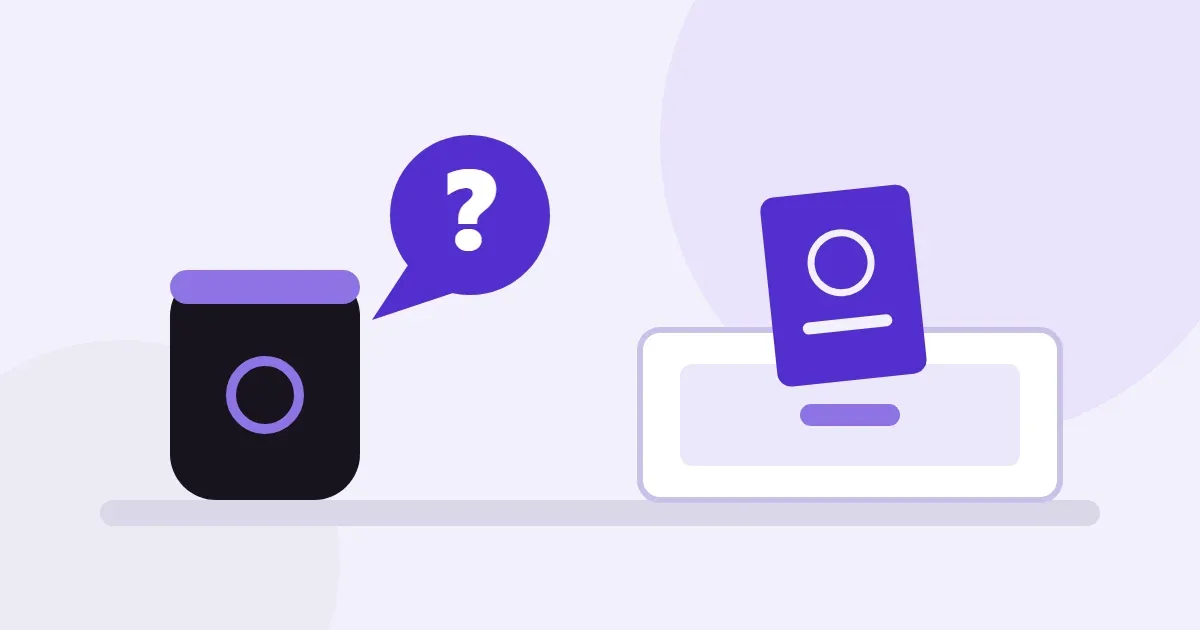
Yes, partly. Google's help page describes a feature for this. You tell Gemini where you put something, and it saves the note in the Find Hub app. Google's launch post said "soon", and its Android features page still does.
Amazon's Alexa+ has "Remember This" notes, but its help pages don't mention object locations. Neither feature finds a lost item. They only keep your note. This article lists what each needs, what it cannot do, and when to try Google's feature first.
Short answer
- Google (Gemini and Find Hub): you say "remember in Find Hub that my passport is in the top bedroom drawer". It needs Android 16 or later and Gemini as the default assistant. Both apps must use the same Google Account.
- Alexa+: Amazon's help describes "Remember This" notes you create and retrieve by voice. Its examples are birthdays and preferences, not object locations.
- Older Google Assistant "remember that": Google documents it. Google has been moving phones to Gemini, so it may not work on yours.
- None of them tracks or rings an item. Accuracy depends on what you said.
Facts below were checked on official Google and Amazon pages on 3 November 2026. Features change, so check your own device. For habits that work with any tool, see our guide to remembering where you put things.
What Google's Remembered items can do
Google's help page "Remembered items in Find Hub" says Gemini can note where you placed a physical item. Its example is "Hey Google, remember in Find Hub that my passport is in the top bedroom drawer." Later you can ask Gemini, for example "Where's my car key?", or open the Remembered list in the Find Hub app (Google Android Help).
The help page adds that you can also add items by hand in Find Hub: name, storage spot and location. You can attach up to two photos and notes. Saying an existing item's exact name updates it instead of making a duplicate.
Google's limits are plain. The page says Find Hub can't track digital files, abstract ideas or events. Google's Android features page says the Remembered tab "does not track the real-time location of items". It adds that accuracy "depends on user-provided information" (android.com). In short, it remembers your words. It doesn't find the thing.
On privacy, the help page says remembered items are stored privately in your Google Account. Only you can access or edit them, and they can't be shared with family members. Gemini needs an internet connection to process voice commands and save new items. Saved items can usually be viewed in Find Hub without a connection.
What you need for Google's feature
According to the same help page, you need all of these:
- An Android device running Android 16 or later.
- The Find Hub and Gemini apps installed, both signed in to the same Google Account.
- Gemini set as your phone's default digital assistant.
Google's September 2026 post names "Android 16+ devices in countries where Gemini and Find Hub are supported" (Google blog). The help page lists no countries or languages, so we can't say whether it works in Hindi or Urdu. To save places while Find Hub is closed, the page says to set its location permission to "Allow all the time".
If your phone is older than Android 16, or you prefer another assistant, you can't use this feature as described.
Is it live, or still "soon"?
The wording is mixed, so here is exactly what each official page says. Google's blog post of 1 September 2026 says: "Soon, you'll be able to ask Gemini to remember where you placed important items." Google's Android features page, checked 3 November 2026, also says "Soon".
The help page, checked the same day, describes the feature in the present tense. It has no rollout note and no date. Google's pages don't say whether it has reached every account.
The tech site 9to5Google reported on 11 September 2026 that Find Hub version 3.1.732-02 had rolled out via the Play Store. It said the new "Remembered" capability was "widely rolled out". That is press coverage, not Google. Open Find Hub and look for a Remembered tab. If it's missing, update the app and check your Android version.
What about the older Google Assistant command?
Google's Assistant help page "Ask Google Assistant to remember things" is older. Its example is "Hey Google, remember that my spare keys are in the kitchen cabinet." To retrieve it, say "Hey Google, where are my spare keys?" (Google Assistant Help). You can delete items in My Activity at myactivity.google.com.
That page lists no supported devices or languages. It also doesn't say whether the command still works on Gemini phones.
In March 2025, Google said it was upgrading mobile users from Assistant to Gemini. It said "later this year, the classic Google Assistant will no longer be accessible on most mobile devices". Phones that can't meet Gemini's minimum requirements were to keep Assistant for now (Google blog). That is a 2025 plan, so check what your own phone offers.
What Alexa+ can do
Amazon's help page "About Remember This with Alexa+" says you can ask Alexa to create a note. Its example is "Remember my friend's birthday". To retrieve it, ask "What did I ask you to remember last week?" To change a note, ask Alexa to update it. There's no limit on the number of notes (Amazon help).
Amazon's examples are birthdays, a sports team and a shoe size. The page doesn't mention keys, passports or object locations, either way. A note like "my passport is in the top drawer" looks like the same kind of request. We haven't tested it, so we can't promise it works well.
Two details matter at home. Per the same page, notes are available to anyone using a supported Alexa-enabled device logged into the account. The Alexa app lets you review and archive notes, under More, then Alexa Privacy (Amazon help).
Alexa+ itself is not available everywhere. Amazon's page says it is available to all customers in the U.S. and Canada. In Brazil, the UK, Mexico, Italy, Spain, Germany, Austria and France it is a limited first release (Amazon). The Remember This pages give no country list, and we did not check Hindi or Urdu.
Alexa also has a separate "Find My" feature. Amazon's page says Find My works with supported devices such as Echo Buds and Tile trackers. For Echo Buds it can give a last known location (Amazon help). That needs a tracker on the item. It isn't a note about a passport in a drawer.
Side by side
| Google: Remembered items | Google Assistant "remember that" | Alexa+ Remember This | |
|---|---|---|---|
| What it does | Saves where you put a physical item in Find Hub | Saves a spoken note | Saves a spoken note |
| Documented for object locations? | Yes (passport, spare keys, car key) | Yes (spare keys) | Not mentioned on the page; examples are birthdays and preferences |
| Needs | Android 16+, Gemini as default assistant, same Google Account | Not stated on the page | Alexa+ and a supported Alexa device (we read Alexa+ pages only) |
| Finds or rings the item? | No | No | No |
| Where you see it | Find Hub app, or ask Gemini | Ask Assistant; delete in My Activity | Ask Alexa; review in the Alexa app |
| Wording to watch | Google's launch post said "soon"; the help page doesn't | Google has been moving phones to Gemini | Alexa+ availability varies by country |
"Documented" means the official page uses that example. We did not test any of them.
Which should you try first?
If your phone runs Android 16 or later and you're happy with Gemini as your assistant, try Google's Remembered items first. It is Google's own feature, and its help page describes exactly this job. If you already use Alexa+, you can try a Remember This note for a place. Amazon doesn't describe it for that.
For keys or a wallet you carry out of the house, we think a Bluetooth tag is the better tool. It can show a location or ring, which these assistants can't. Tags cost money and need a battery.
Our advice: whichever you use, say the place clearly. "Passport, top bedroom drawer" beats "somewhere safe". For the habits behind this, see our guide on how to remember where you put things. For why we misplace things at all, see why do I keep forgetting where I put things.
Where KnowWhere fits
KnowWhere is made by Aatox, the publisher of this site, so weigh this section with that in mind. It is a free voice app for the same job, available on Google Play. You say where something is, then ask later. It works in English, Hindi and Urdu and needs no account. Reminders say what to take and where it is. It is Android only. It is not a tracker, so it can't find or ring anything.
KnowWhere stores your list on your phone. With your consent, smart voice sends the recording plus item names, places and short facts to Google Gemini. Photos are never sent, and Aatox's server keeps nothing.
If Google's feature suits you, use it. KnowWhere may suit you if your phone is older than Android 16. It may also suit you if you don't want to switch assistants or tie the list to a Google Account. See the side-by-side comparison or KnowWhere.
Questions people ask
Can Google Assistant remember where I put my keys?
Google's Assistant help page says you can say "remember that my spare keys are in the kitchen cabinet" and ask later. Google has also been moving phones to Gemini. On a Gemini phone, we think Google's newer Find Hub page is the one to follow.
Can Gemini remember where I put my passport?
Yes, per Google's help page, with conditions. You need Android 16 or later and Gemini as the default assistant. Find Hub and Gemini must use the same Google Account. It remembers what you tell it and does not locate the passport. Our advice: store the place, not the passport number. If you can't find it, see can't find your passport at home.
Can Alexa remember where I put my keys?
Amazon doesn't say. Its Remember This pages describe notes you create and retrieve by voice, but they list no object locations as an example. The pages we read cover Alexa+ only, and we did not check whether Alexa without Alexa+ has anything similar. For a tag-based option, Amazon's separate Find My feature works with Tile trackers.
Is Google's Remembered items feature available yet?
Google's help page describes it as available. Google's blog and Android features page said "soon" when checked. We could not confirm it is on every account. Check Find Hub for a Remembered tab.
Does it work in Hindi or Urdu?
We don't know. None of the Google or Amazon pages we read lists languages for these features. Check the help page for your region before relying on it.
Sources
Retrieved 3 November 2026. Pages without a date show none.
- Google Android Help, Remembered items in Find Hub (undated; requirements, examples, limits, privacy, offline use): support.google.com/android/answer/18132896.
- Google blog, September Android Drop (1 Sep 2026; "Soon" wording, Android 16+ and supported countries): blog.google.
- Android, new features page (undated; "Soon" wording, no real-time tracking, accuracy depends on your input): android.com.
- Google Assistant Help, Ask Google Assistant to remember things (undated): support.google.com/assistant/answer/7536723.
- Google blog, the Assistant experience on mobile is upgrading to Gemini (14 Mar 2025): blog.google.
- 9to5Google, Find Hub rolls out new 'Remembered' tab with Gemini (11 Sep 2026; independent press report, rollout wording only): 9to5google.com.
- Amazon Customer Service, About Remember This with Alexa+ (undated): amazon.com.
- Amazon Customer Service, Manage Remember This with Alexa+ (undated): amazon.com.
- Amazon Customer Service, About Find My (undated; Echo Buds and Tile): amazon.com.
- Amazon, Introducing Alexa+ (page first published 26 Feb 2025; availability by country as shown on 3 Nov 2026): aboutamazon.com.
- KnowWhere facts come from the Aatox pages KnowWhere and the comparison.
Aatox wrote this article with AI assistance and checked each claim against the sources listed above. A clinician has not reviewed it, and no medical claims are made. We have not tested the Google or Amazon features described.
Last checked 3 November 2026. Published by Aatox, a small independent maker of everyday tools. Read more about Aatox or contact us.